
Built Into the Tools You Already Use.
Used Every Day.
DeepIP is an AI patent platform for law firms and in‑house IP teams. It works inside Word, connects your DMS and the patent offices, and keeps your systems as the source of truth, with an IPMS integration built with your team. Attorneys and paralegals never move a file, which is what turns a rollout into real adoption.
Trusted by 500+ law firms and in‑house IP teams











[0001]
Why integration matters
The Tool Attorneys Use Is the Tool That Pays Off
AI that lives in yet another window gets tried, then forgotten. DeepIP meets practitioners wherever they work, in Word, on the web or in their own AI assistant, connected to your systems of record, so it becomes part of the daily work, which is where the value for your team comes from.
Work Where You Already Work
No uploads, no copy‑paste
The matter already holds the disclosure, the office action and the cited art.
Work in Word, on the web or in your AI
Your templates and your voice on every surface, with every change tracked.
The admin disappears
Office actions arrive with the file history and cited art.
Adoption That Lasts
One learning curve, not two
Learning to work with AI is change enough. DeepIP lives in the tools practitioners already use, so there’s no new interface on top.
Your systems stay the source of truth
Documents live in your DMS and deadlines in your IPMS. DeepIP saves its work back to the DMS, and the IPMS integration is built with your team.
One matter, every surface
Word, web and your own AI on the same matter, with the same history.
[0002]
What connects
Built Around the Systems You Already Run

Word and Office files
In
PowerPoint and email files
Back
Tracked changes, figures to SVG and Visio
Word add‑in

PowerPoint import

Visio export
Document management
In
Matter documents
Back
Generated documents
NetDocuments
IP management
Back
Responses to the record
Built with your team
Patent offices
In
Office actions, file histories and cited art
12
Patent offices
Your AI
Back
DeepIP data and tools

MCP server
REST API
Web app
In
The same matters, when add‑ins are blocked
Any browser
[0003]
Adoption · Word add‑in
Adopted Because It Lives in Practitioners’ Tools
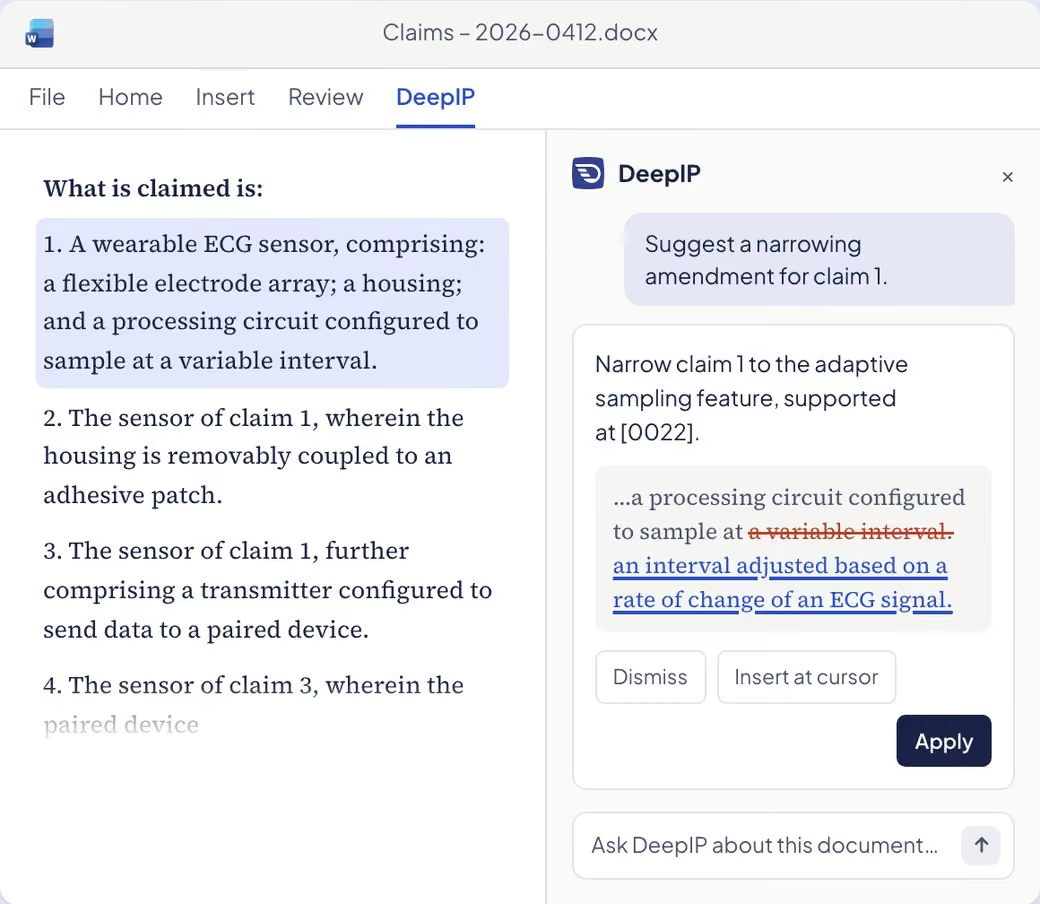
Adoption fails when practitioners have to change how they work. The DeepIP Word add‑in works inside the document they already have open, with the matter already holding the right documents, so adoption builds on tools practitioners already know, not on a new interface to learn.
Full document context, no uploads or copy‑paste
Every suggestion as a tracked change
Your templates and styles untouched
The same matter in Word, on the web and in your AI
[0004]
Document management
Every Matter Document, Already in Context
The disclosure, the inventor’s slides, the client’s guidelines: they already sit in your DMS. DeepIP loads them into the matter and saves what it produces back, so your DMS stays the single source of truth.
NetDocuments: pick files, save generated documents back
No downloads, no re-uploads, no stray copies
[0005]
IPMS & docketing
Office Actions In, Responses Back to the Record
DeepIP imports office actions from 12 patent offices with the file history and the cited art, so the work starts with the analysis, not the admin. When the response is final, it goes back to the record in your IP management system, through an integration built with your team.
Office actions imported from 12 patent offices
File history and cited art pulled with them
The response pushed back to the IPMS record
IPMS integration built with your team, on the system you run
Enterprise‑Grade Security and Confidentiality
Unpublished inventions are your most sensitive assets. They never train a model and are hosted in the US or the EU, your choice.
[0007]
Results
Measurable Results at Scale
Platform-wide totals.
[0008]
FAQ
Questions About Integrations
Does DeepIP work inside Microsoft Word?
Yes. DeepIP works inside Microsoft Word through an add‑in, in the document your attorneys already have open. The matter already holds the disclosure, the office action and the cited art, so there are no uploads or copy‑paste. Every suggestion comes back as a tracked change, your templates and styles stay untouched, and the same matter is available on the web and in your own AI.
Which document management systems does DeepIP connect to?
DeepIP connects to iManage and NetDocuments. With iManage, every document of the matter is synced from one reference; with NetDocuments, you pick the files and save generated documents back. The disclosure, the inventor’s slides and the client’s guidelines load into the matter, and what DeepIP produces goes back to the DMS, which stays the single source of truth.
How does DeepIP work with an IP management system?
The IPMS integration is built with each team, on the system it runs, and keeps the IPMS as the source of truth for the matter. Office actions arrive from the patent office with the file history and the cited art, your team prepares the response in DeepIP, and when the response is final it goes back to the IPMS record with its reference. Talk to us about the system you run.
Can I use DeepIP from my own AI assistant?
Yes. DeepIP opens up through an MCP server and a REST API, so an assistant such as Claude or ChatGPT, or your own agents, can use DeepIP’s patent tools and data. They work on the same matters as Word and the web app, with the same history, and every result links back to the passage it relies on.
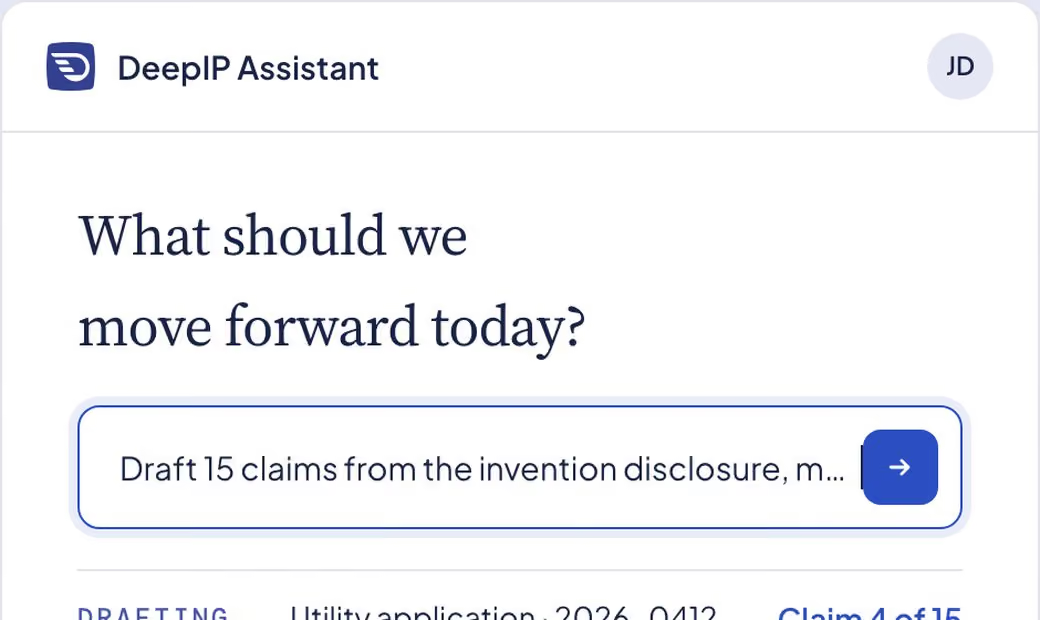
Patent Drafting
From invention disclosure to a filing‑ready application, written in your style.
Explore Patent Drafting
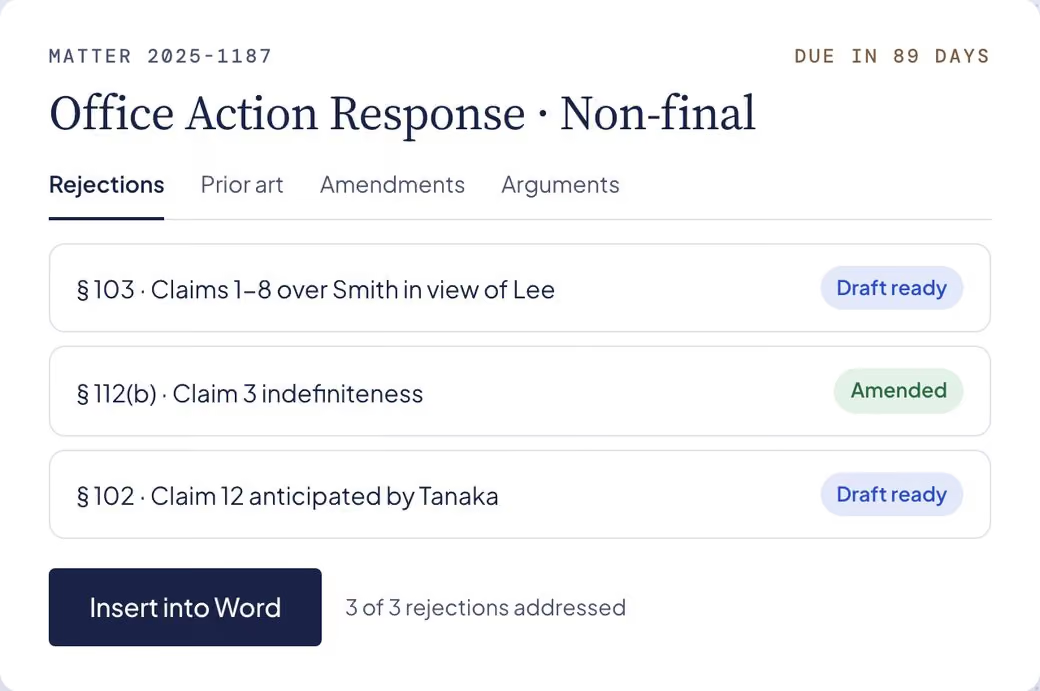
Office Actions
Respond to office actions with confidence, from the rejection to a filing‑ready response.
Explore Office Actions
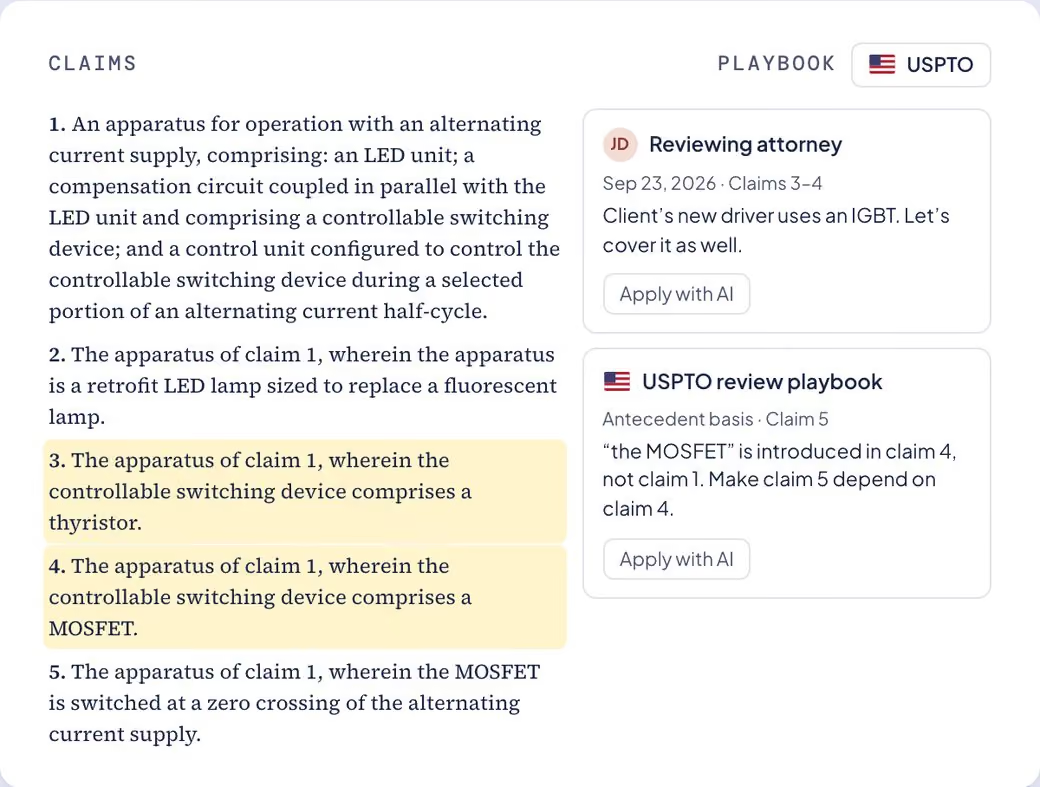
Integrations
Inside Word, connected to your DMS and the patent offices, with your systems as the source of truth.
Explore Integrations
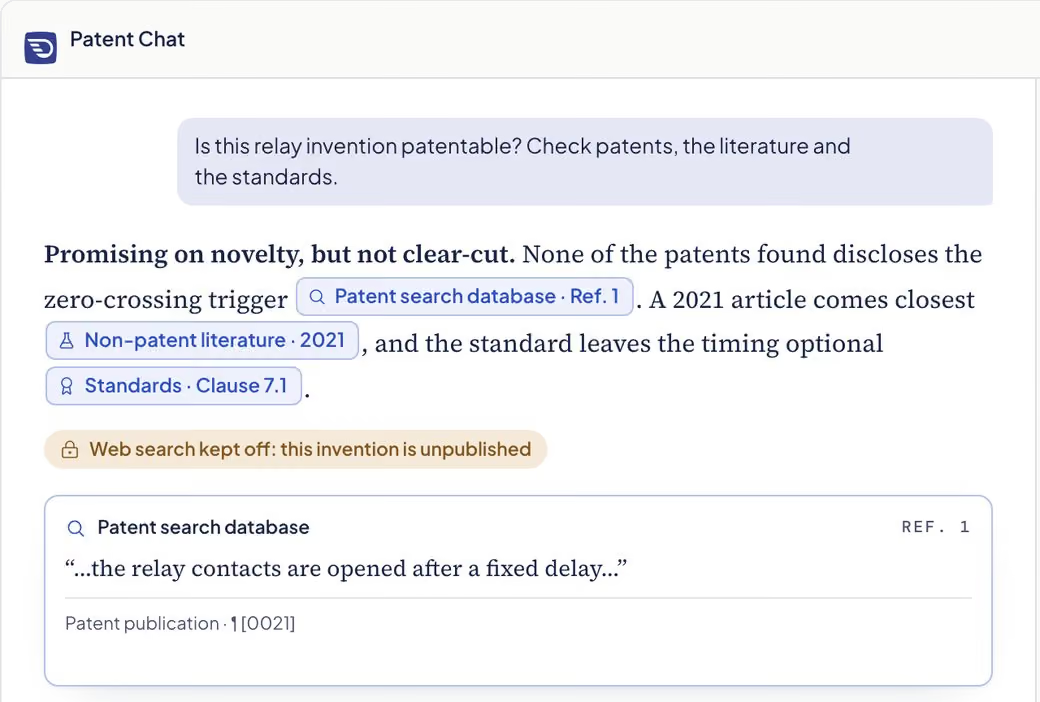
Knowledge & Sources
Patent answers with citations you can open, drawn only from the sources you switch on.
Explore Knowledge & Sources
MCP & API
Connect Claude, ChatGPT or your own agents to patent data they can cite.
Explore MCP & API
Invention Disclosure
From roadmaps and lab notes to complete disclosures, with a suggested route for the attorney.
Explore Invention Disclosure
Plan Your Rollout with Our Team
Need to discuss your use case? Contact us.