
Respond to Office Actions
with Confidence
Grounded, strategic, defensible. In your template. From the examiner’s rejection to a filing‑ready response. Handling the work, supporting the decision.
Trusted by 500+ law firms and in‑house IP teams











[0001]
From Office Action to Filed Response
01
Start from the full record
Enter the application number and the office action, claims and cited art are ready to work, with no downloading or re‑keying.
02
Miss no rejection
Every rejection and objection charted against the claim elements, so nothing slips through and you see where the application is truly exposed.
03
Expose the examiner’s gaps
Each citation checked against the reference itself, surfacing mischaracterizations and the distinctions worth arguing.
04
Choose your path
Weigh amending against arguing with the knock‑on effect on every rejection shown, protecting claim scope with estoppel risk in view.
05
Deliver in one pass
Amended claims and remarks as tracked changes, plus the client reporting letter, so the response is filed and the client informed without extra hours.
What teams say about DeepIP
In-house IP team
“During our trial period, when we were testing different tools, we observed an approximately 20% improvement in efficiency for drafting and prosecution.”
IP law firm
“DeepIP excels in terms of its structured multi-step model for analyzing materials and providing quoted citations linked to their sources. Whether drafting applications or Responses, it analyzes complex material quickly and accurately and provides valuable suggestions for claims, application editing, amendments, arguments, and much more, and you can access all of that from a seamless MS Word extension.”

IP law firm
“The tool is highly customizable. It really provides the drafting attorney or the prosecution attorney with tremendous discretion on how to use it.”
See it on an office action like yours.
[0002]
Auto‑import
One Click to Cross‑Country Prosecution History
No more downloading and renaming PDFs. DeepIP pulls the office action, the claims and every cited reference, including non‑patent literature, straight from the offices.
USPTO, EPO, JPO, CNIPA, DPMA, IP Australia and CIPO
Cited patents and non‑patent literature
File histories across a family, country by country
[0003]
Issue chart
Every Rejection, Mapped to Your Claims
Each rejection and objection is parsed into an issue and charted against the claim elements, so you see at a glance what the examiner relies on and where the gaps are.
§ 101, 102, 103 and 112 rejections and EPO objections
One chart grouped by claim element
Examiner citations checked against the reference
[0004]
Strategy
Strategies Suggested. You Decide.
For every rejection, DeepIP proposes amendment, argument and mixed strategies, and shows how each choice affects the other issues in the office action.
Draft the response with AI
Impact on the other rejections shown
Aware of relevant case law, MPEP provisions, legal precedents
[0005]
Remarks
Remarks in Your Team’s Voice
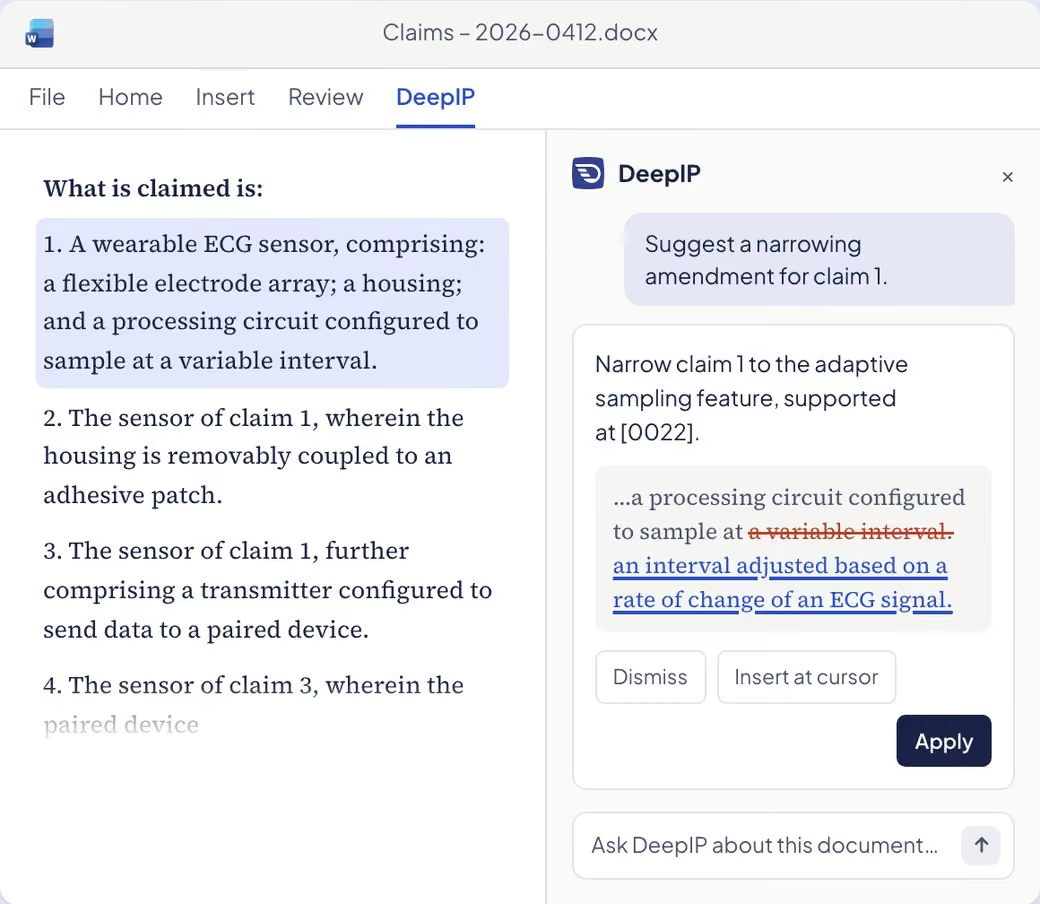
Arguments are drafted from the strategy you chose, in the style of your past responses and your team’s playbook, and land in the response as tracked changes.
Style learned from your past USPTO responses
Playbooks and templates for USPTO and EPO replies
Every edit as a tracked change, in Word or on the web
[0006]
Any technical domain
Any Technical Domain, from Mechanics to Chemistry
DeepIP reads the cited figures, reference numerals and chemical structures the examiner relies on, so the analysis holds up whatever the technology.
Cited drawings read down to the reference numeral
Markush groups checked species by species against the art
Electrical, software, mechanical, chemical and life sciences
Enterprise‑Grade Security and Confidentiality
Unpublished inventions are your most sensitive assets. They never train a model and are hosted in the US or the EU, your choice.
[0008]
Results
Measurable Results at Scale
Platform-wide totals.
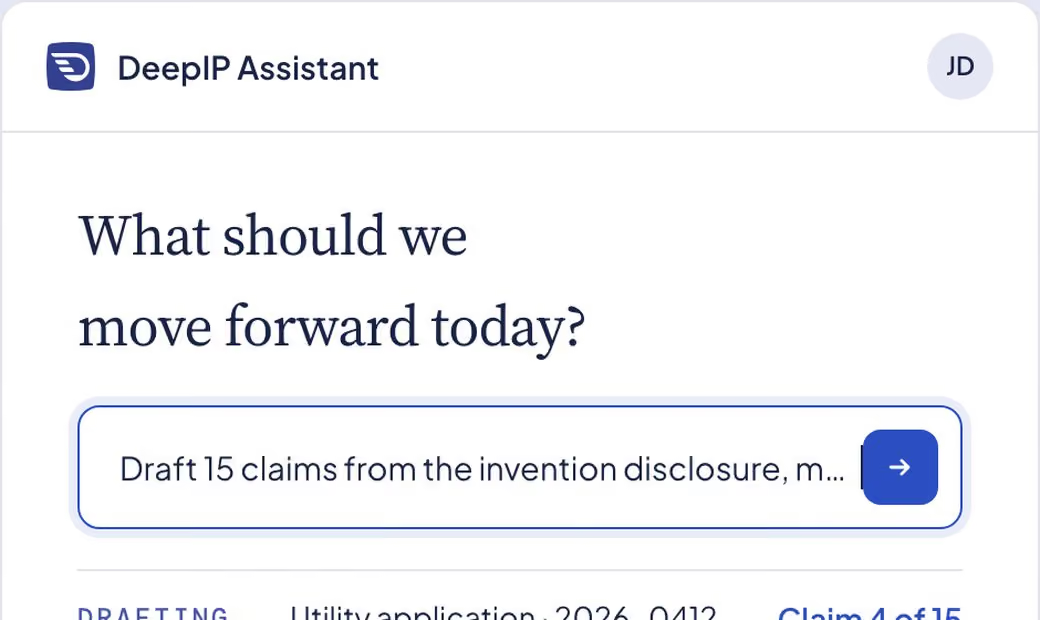
Patent Drafting
From invention disclosure to a filing‑ready application, written in your style.
Explore Patent Drafting
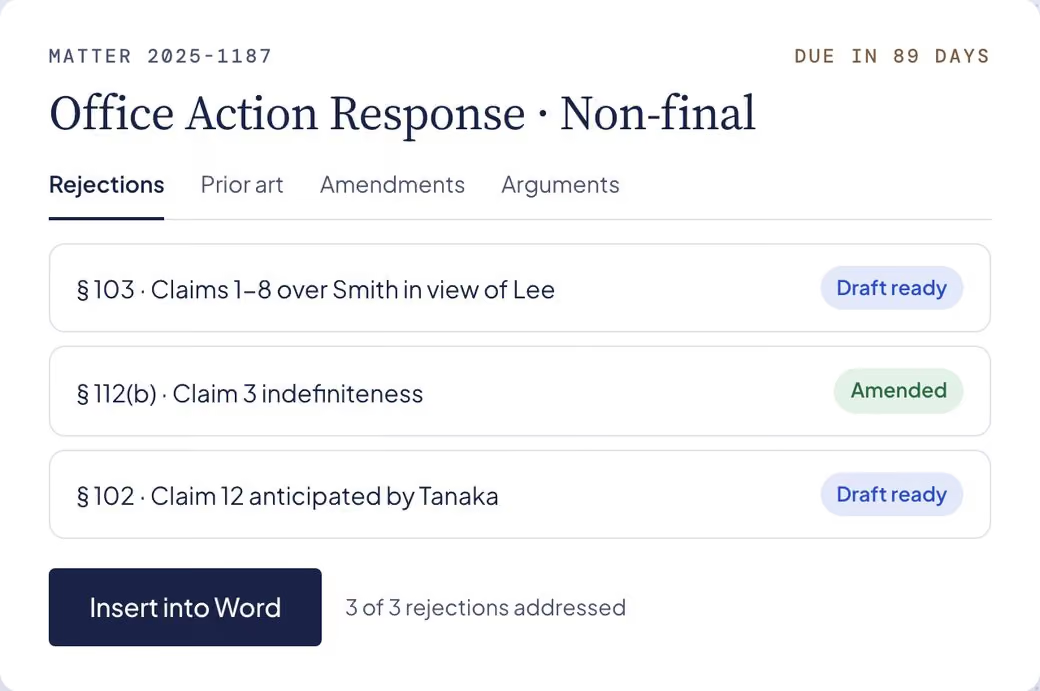
Office Actions
Respond to office actions with confidence, from the rejection to a filing‑ready response.
Explore Office Actions
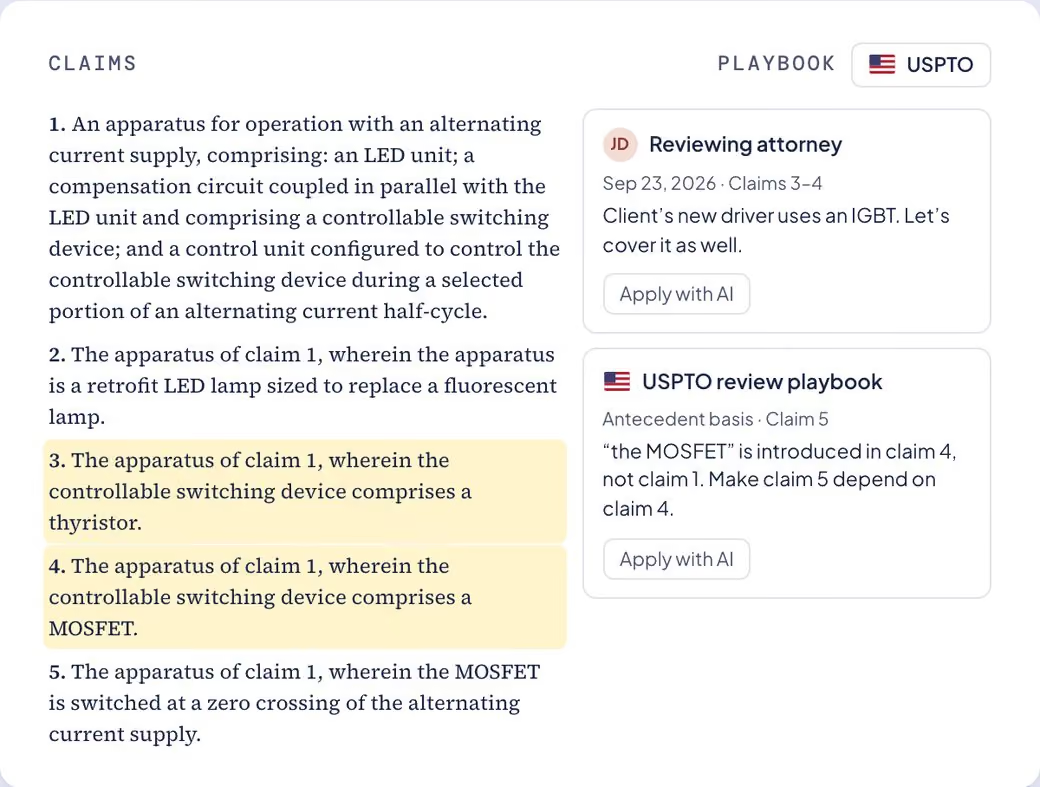
Integrations
Inside Word, connected to your DMS and the patent offices, with your systems as the source of truth.
Explore Integrations
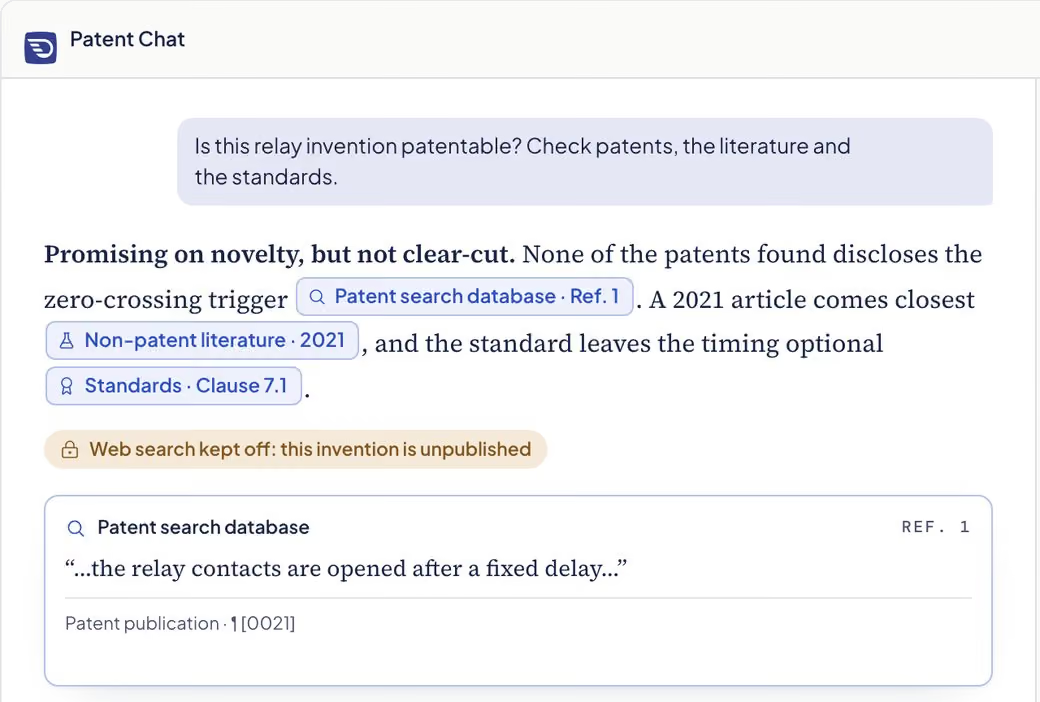
Knowledge & Sources
Patent answers with citations you can open, drawn only from the sources you switch on.
Explore Knowledge & Sources
MCP & API
Connect Claude, ChatGPT or your own agents to patent data they can cite.
Explore MCP & API
Invention Disclosure
From roadmaps and lab notes to complete disclosures, with a suggested route for the attorney.
Explore Invention Disclosure
Respond to Your Next Office Action with DeepIP
Need to discuss your use case? Contact us.