
Draft Stronger Patent
Applications, Faster
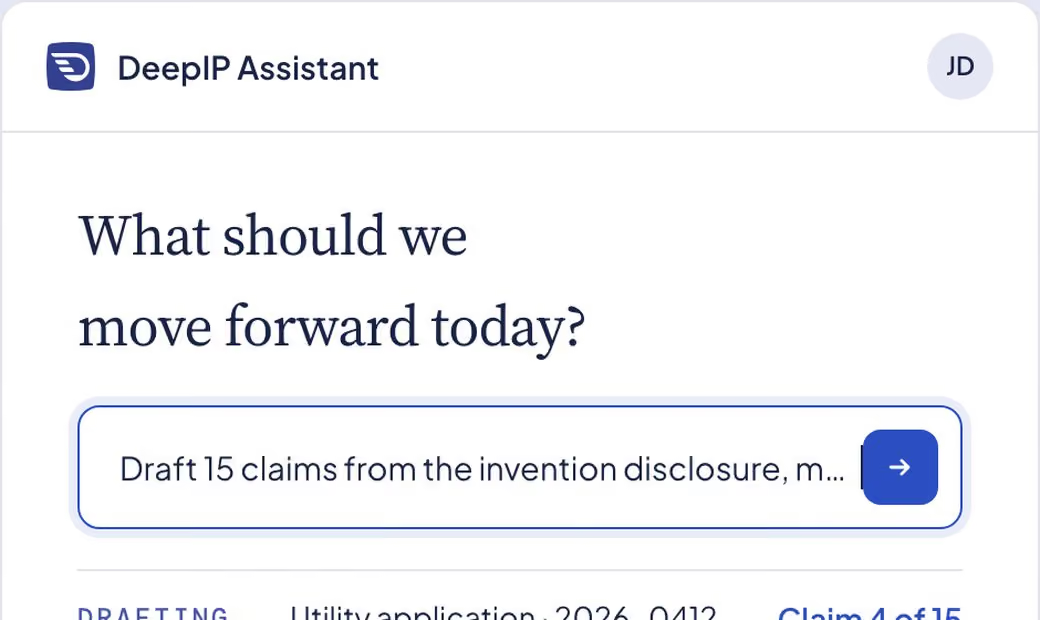
From invention disclosure to a filing‑ready application that serves the business strategy. Written in your style, tailored to each jurisdiction and technical field, grounded in the inventor’s materials, and every edit stays yours.
Trusted by 500+ law firms and in‑house IP teams











[0001]
From Disclosure to Filing‑Ready Draft
01
Capture the whole invention
Capture the full invention from scattered materials, and close gaps early with targeted inventor questions, before they weaken the claims.
02
Claim the broadest scope
Build toward the broadest defensible scope with layered fallback positions, aligned to your business priorities.
03
Lock the strategy first
Set the strategy before a word is written, so the description supports every claim and fallback, with no costly rewrites.
04
Figures that match the spec
Figures consistent with the spec from the start, with matching numerals and parts lists, and far less back‑and‑forth with illustrators.
05
File with confidence
Run your own USPTO or EPO playbook to flag §112 and Art. 84 issues before filing, then resolve them in Word.
What teams say about DeepIP
In-house IP team
“During our trial period, when we were testing different tools, we observed an approximately 20% improvement in efficiency for drafting and prosecution.”
IP law firm
“DeepIP excels in terms of its structured multi-step model for analyzing materials and providing quoted citations linked to their sources. Whether drafting applications or Responses, it analyzes complex material quickly and accurately and provides valuable suggestions for claims, application editing, amendments, arguments, and much more, and you can access all of that from a seamless MS Word extension.”

IP law firm
“The tool is highly customizable. It really provides the drafting attorney or the prosecution attorney with tremendous discretion on how to use it.”
See it on a disclosure like yours.
[0002]
Your style · Your workflow
Your Style, Your Workflow
DeepIP learns how your team writes from your past applications, then drafts in the order you work.
Your terminology, structure and boilerplate
Claim‑driven or figure‑driven, your choice
A clear next step after every section
[0003]
Controlled edits
Suggestions Grounded, Changes Tracked
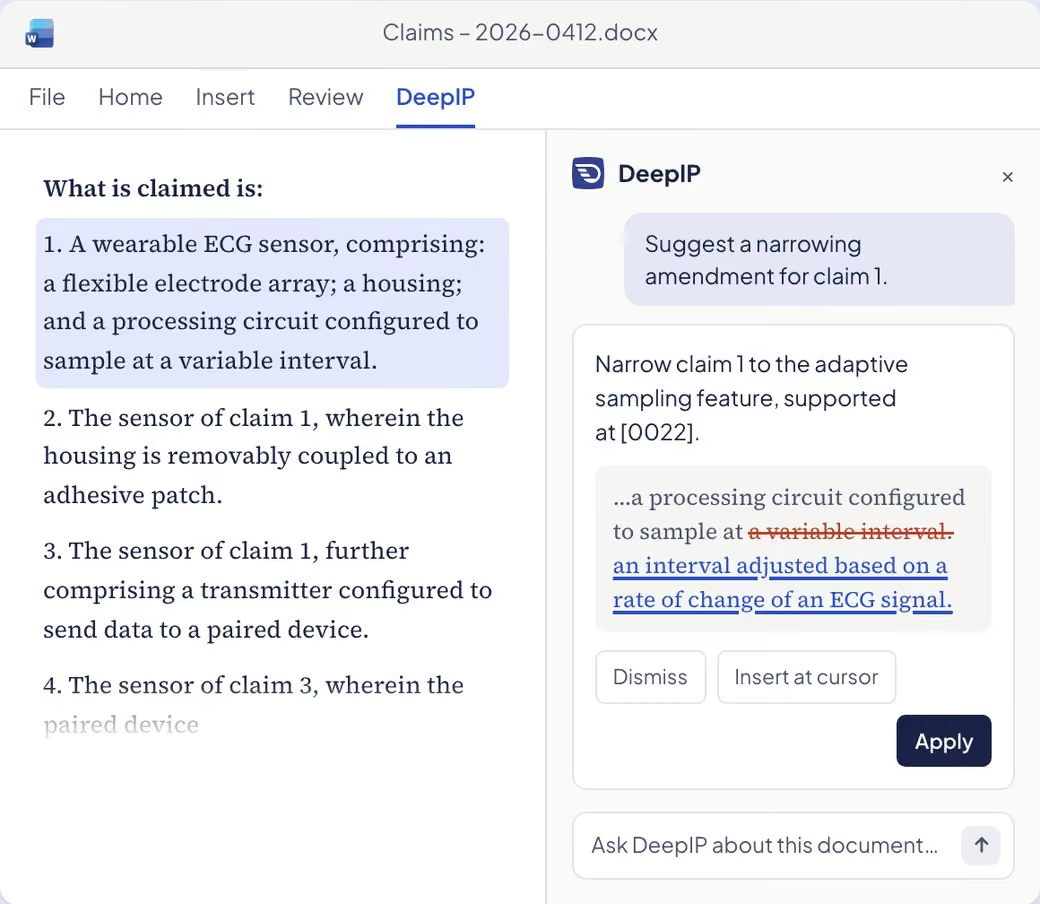
The assistant edits your draft directly as tracked changes, and shows where each addition comes from in the inventor’s materials. Accept, reject or rewrite, in Word or on the web.
Redlines you accept or reject
Every statement linked to its source passage
Same matter in Word and in the web app
[0004]
Figures
Figures Generated, Numerals Handled
Turn sketches, text descriptions or 3D models into patent drawings. Reference numerals are annotated automatically and kept in sync with the parts list and the text.
Sketch, text or 3D model to drawing
Auto‑annotation and letter labels
Parts list synced with figures
[0005]
Life sciences
For Chemistry and Biotech
Draft Markush claims with a coverage matrix across your examples, and work with sequences natively: alignment with percent identity, CDR regions, consensus, and ST.26 listings.
Markush claims with R‑group coverage
Sequence alignment and CDR regions (IMGT / Kabat)
ST.26 sequence listings, import and export
[0006]
Review
Review Against the Office and Your Playbook
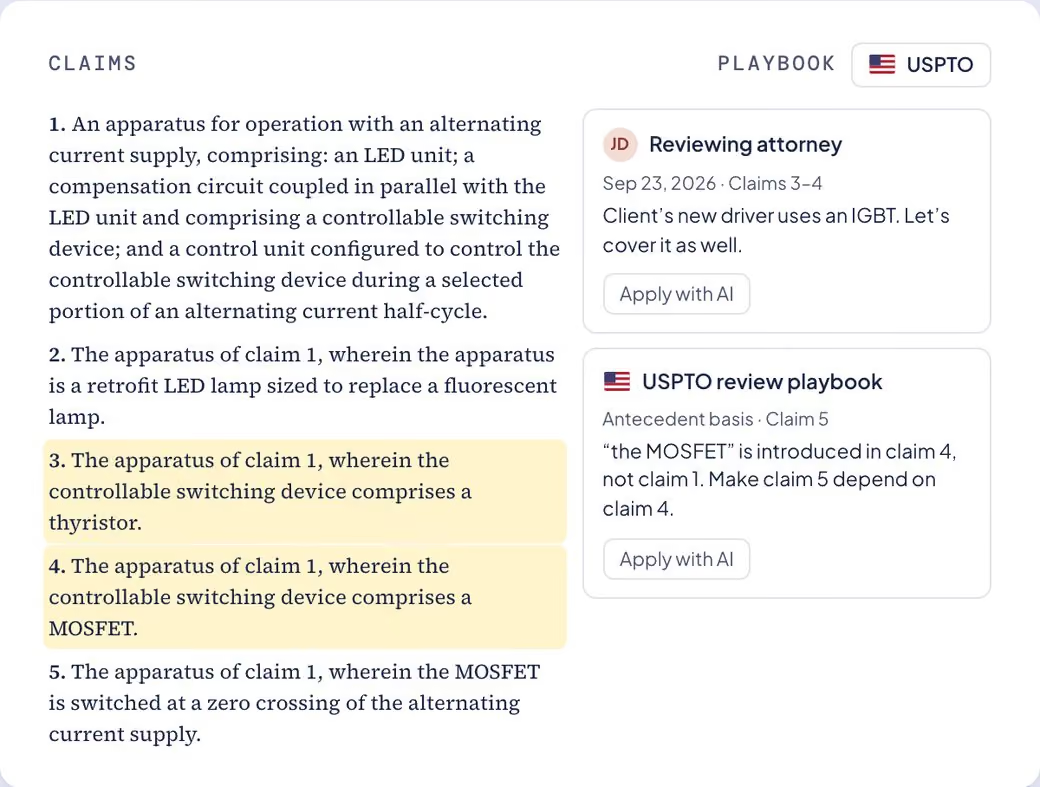
Run a USPTO, EPO or firm review playbook, or hand DeepIP your client’s comments. Every fix comes back as a tracked change in the draft, ready to accept or reject.
Antecedent basis and terminology fixes
Client comments turned into proposed edits
Your team’s checklist as a playbook
Enterprise‑Grade Security and Confidentiality
Unpublished inventions are your most sensitive assets. They never train a model and are hosted in the US or the EU, your choice.
[0008]
Results
Measurable Results at Scale
Platform-wide totals.
Patent Drafting
From invention disclosure to a filing‑ready application, written in your style.
Explore Patent Drafting
Office Actions
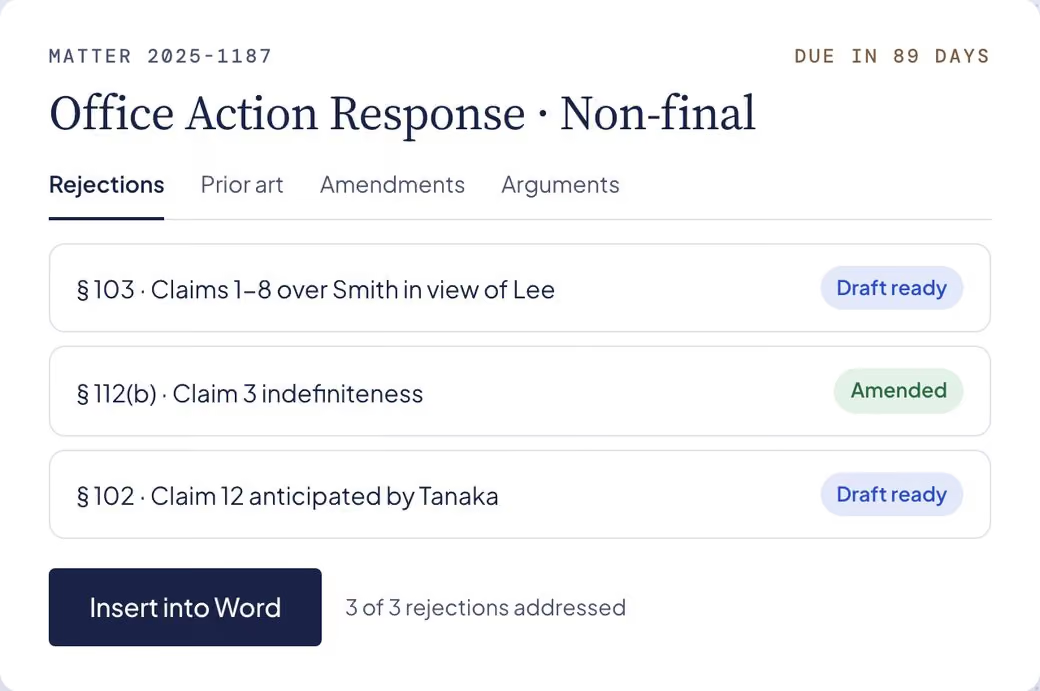
Respond to office actions with confidence, from the rejection to a filing‑ready response.
Explore Office Actions
Integrations
Inside Word, connected to your DMS and the patent offices, with your systems as the source of truth.
Explore Integrations
Knowledge & Sources
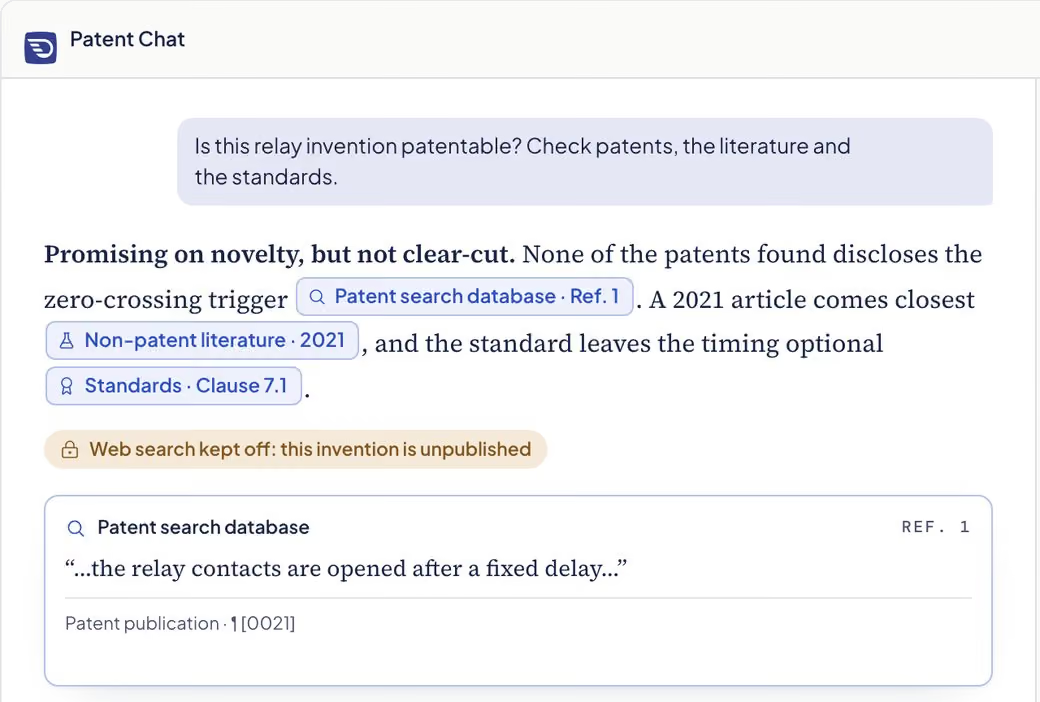
Patent answers with citations you can open, drawn only from the sources you switch on.
Explore Knowledge & Sources
MCP & API
Connect Claude, ChatGPT or your own agents to patent data they can cite.
Explore MCP & API
Invention Disclosure
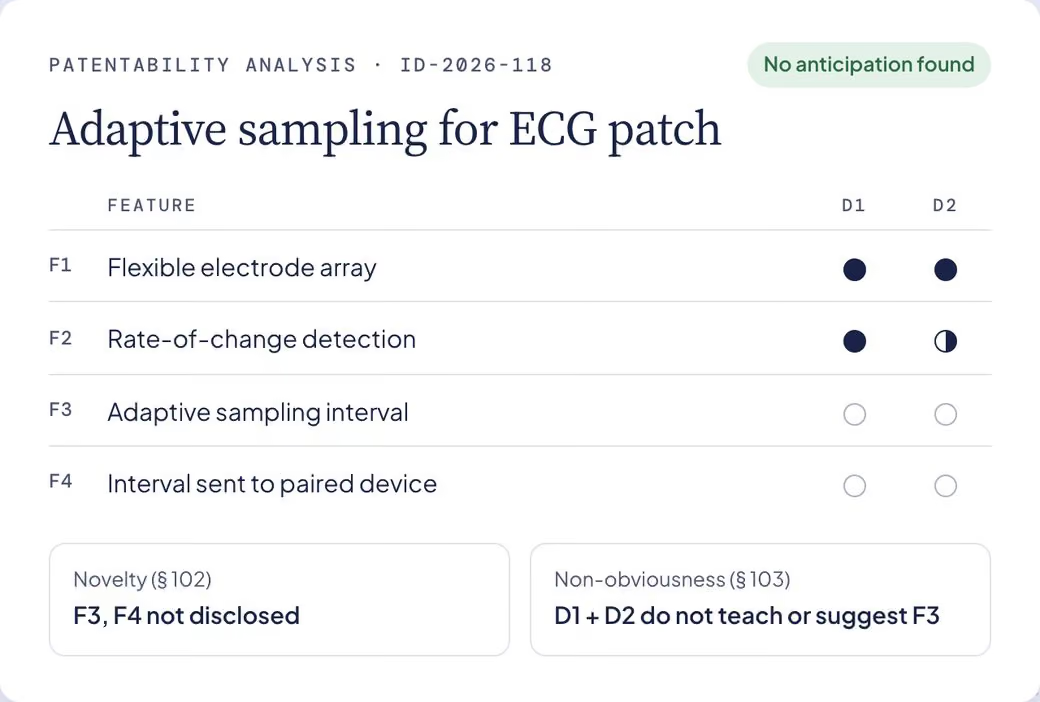
From roadmaps and lab notes to complete disclosures, with a suggested route for the attorney.
Explore Invention Disclosure
Draft Your Next Application with DeepIP
Need to discuss your use case? Contact us.